Best Vocal Effect Plugin (VST) – Voice Modulation & Talkbox Effects for Music Production
Vocal Effect Plugin – Add Character, Movement, and Expression to Your Voice
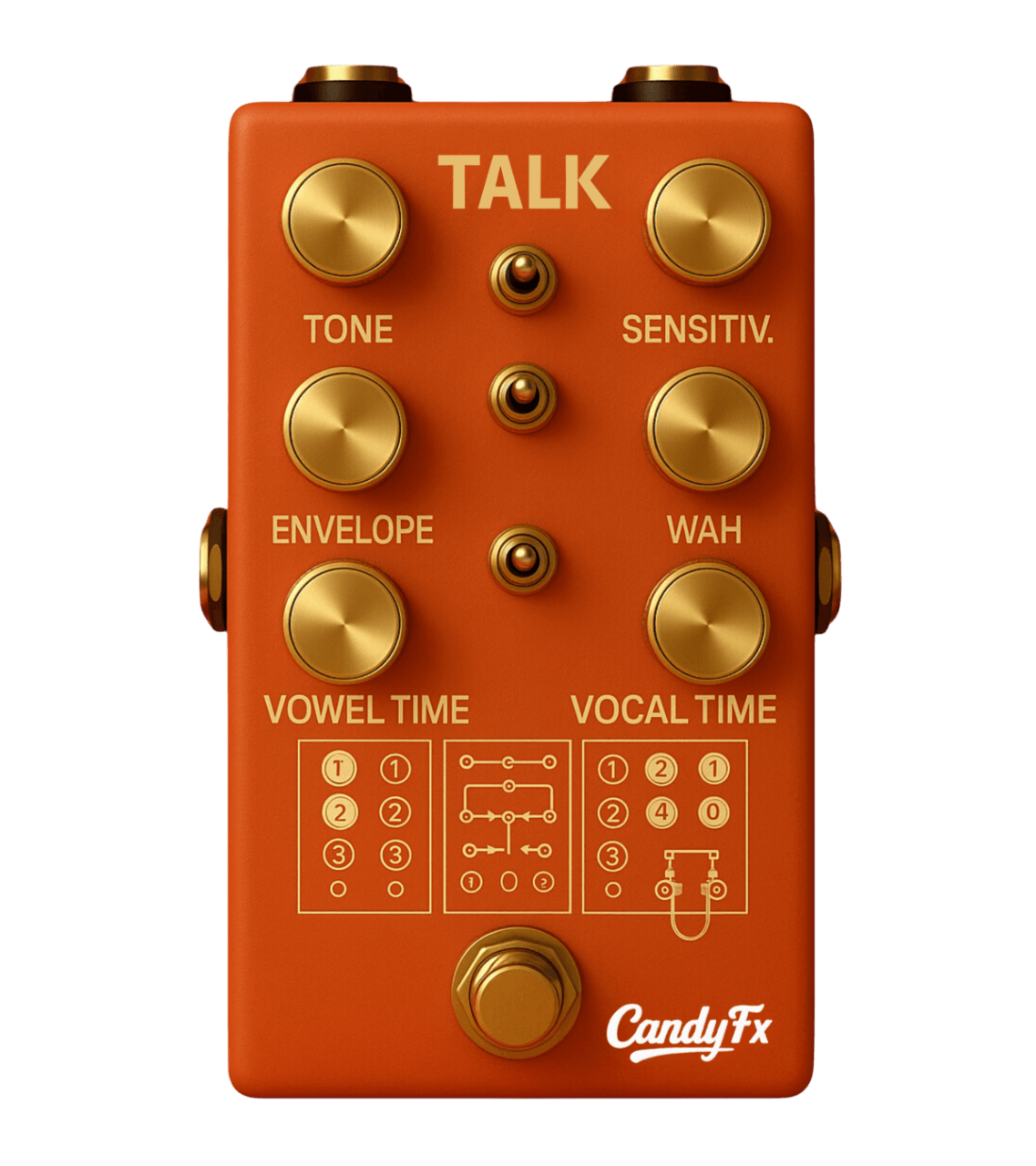
Talk is a vocal effect plugin (VST/AU) designed for music producers who want expressive voice modulation, talkbox-style effects, and evolving vocal textures.
Most vocal plugins focus on one thing:
👉 Making vocals sound clean.But clean isn’t always interesting.
If you’ve searched for a vocal effect plugin, you’re probably looking for something more:
Movement
Expression
Character
That’s exactly what Talk by CandyFX is built for.
It introduces:
Tape-style pitch drift
Lo-fi degradation
Noise and texture
Evolving instability
So your sound feels alive again.
What Is Talk?
Talk is a creative vocal effect plugin (VST/AU) designed to transform vocals into something more expressive, dynamic, and alive.
It goes beyond standard processing by adding:
Talkbox-style tonal shaping
Dynamic vocal movement
Expressive modulation
Subtle or extreme transformation
Works in all major DAWs:
Ableton Live
Logic Pro
FL Studio
Pro Tools
What Makes Talk Different
Most vocal plugins:
Focus on correction
Stay static
Sound the same every pass
Talk is different. It introduces:
Movement over time
Controlled unpredictability
Performance-like variation
So your vocals don’t just sit in the mix—they evolve.
👉 “Try Talk now and hear the difference in seconds”
Key Features of Talk
1. Talkbox-Style Processing
Shape vocals with expressive tonal movement.
2. Dynamic Modulation
Create evolving vocal textures instead of static effects.
3. Easy Controls
Fast workflow without complex routing.
4. Automation Ready
Full control inside your DAW.
How to Use a Vocal Effect Plugin Like Talk
1. Lead Vocals
Add subtle movement to keep phrases engaging.
2. Background Vocals
Create width and variation without layering more tracks.
3. Ad-Libs
Turn simple phrases into standout moments.
4. Sound Design
Push vocals into experimental territory.
→ Get access to CandyFX plugins
Subtle vs Extreme
Talk is flexible:
Low settings → natural vocal enhancement
High settings → robotic, expressive, or experimental tones.
This makes it useful across genres:
Pop
Hip-hop
Electronic
Ambient
Why Your Vocals Feel Flat:
If your vocals sound:
Repetitive
Too clean
Lacking personality
You don’t need more EQ.You need movement and expression.
FAQs About Vocal Effect Plugins
What is a vocal effect plugin?
A vocal effect plugin is a VST or AU tool used to process and enhance vocals with effects like modulation, tone shaping, and creative transformations.
What is the best vocal effect plugin?
The best vocal effect plugin adds movement and character. Talk stands out by introducing evolving vocal modulation instead of static processing.
Can Talk be used subtly?
Yes, Talk can add slight movement for natural enhancement or be pushed into more extreme vocal transformations.
Does Talk work in all DAWs?
Yes, Talk works as a VST and AU plugin and is compatible with all major DAWs.